Most questions have been asked before. Here are the answers.
Shipping, returns, the app, the band itself. If yours isn't here, the contact page is one click away.
Getting to know ThumpFit
What the band does, how it reads you, and how to live with it day to day.
Why do some readings refuse to start?
Nothing is broken.
A few ThumpFit readings need skin contact on both sides of the circuit to work.
That is the case for:
- on-demand heart readings (ECG),
- body composition.
For these, rest a finger from your other hand on the metal contact of the band and keep it there until the reading finishes.
Your finger closes the loop that lets the band read the electrical signal. Staying still helps too.
Everything else, including the automatic background readings, runs on its own with no extra step.
If a reading still won't start, check that:
- your finger is pressed firmly on the metal contact,
- you hold it there the whole time.
Still stuck? Write to us and we will walk you through it.
What exactly is ThumpFit?
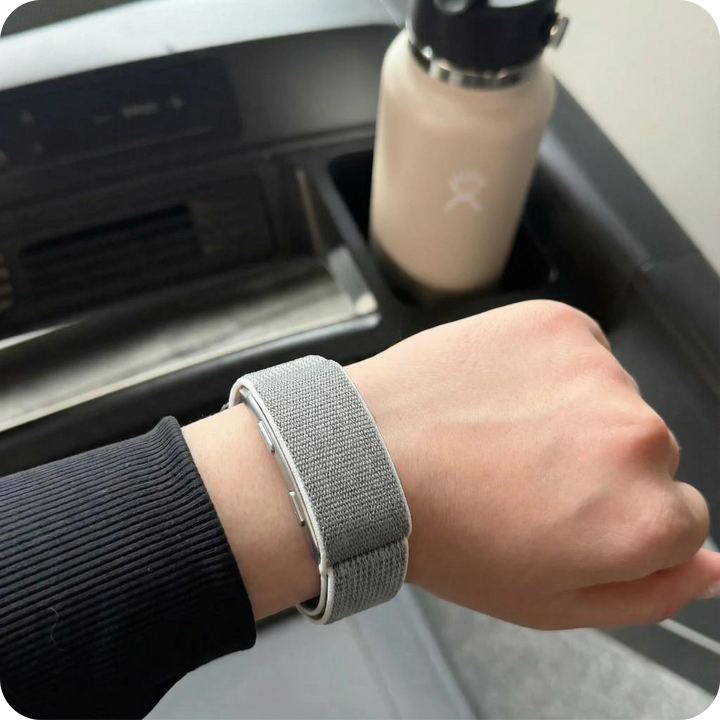
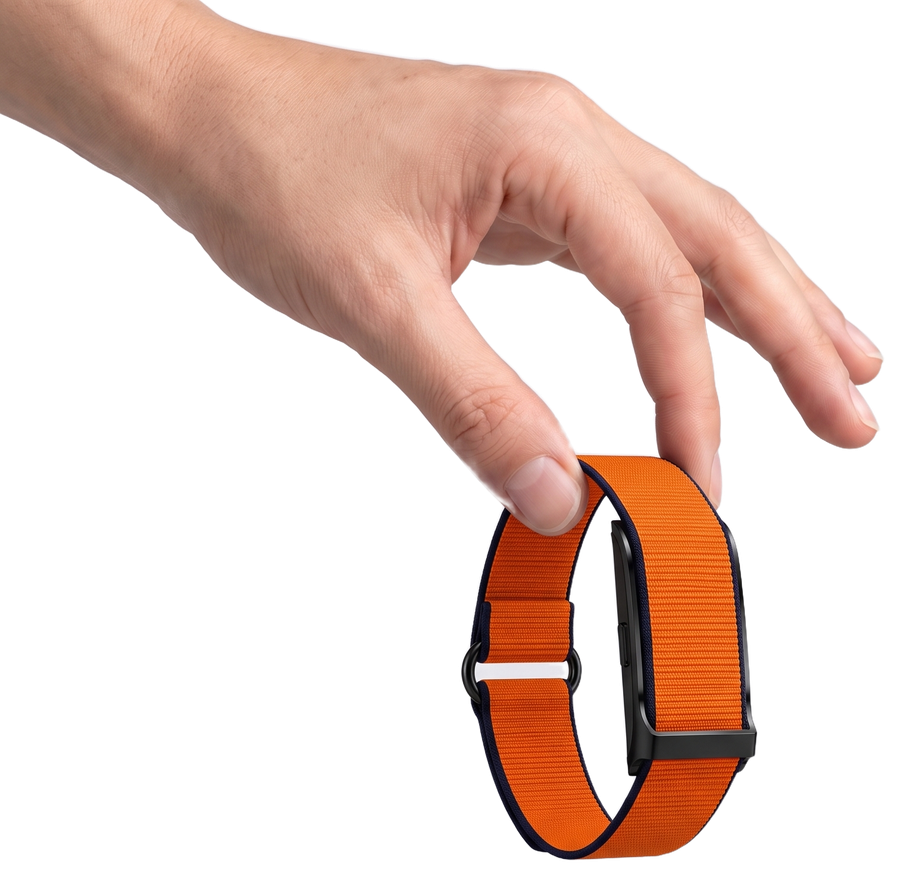
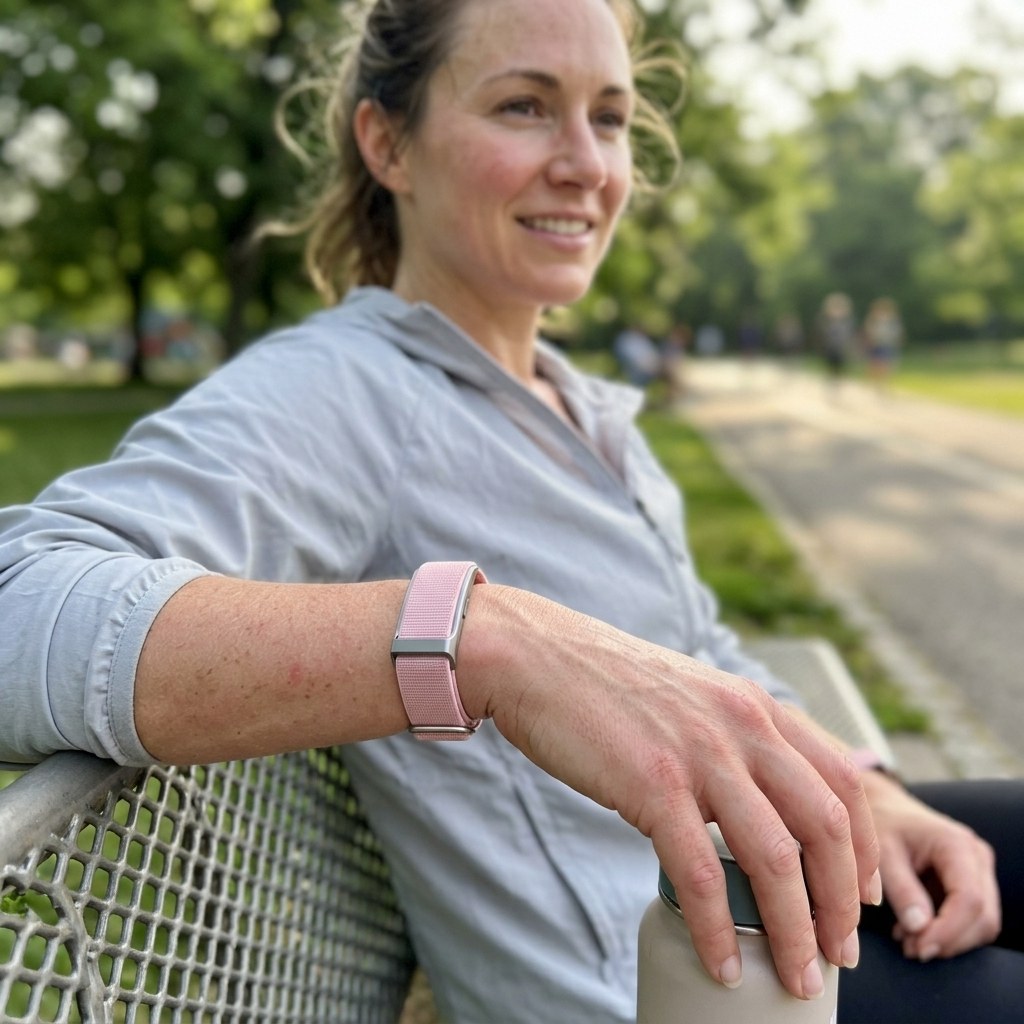
ThumpFit 2.0 is THUMPCARE's screen-free sport band. It follows your sleep, recovery, stress, heart and activity around the clock and sends everything to a free app. There is nothing on your wrist to read, nothing to tap and nothing that buzzes; the reading happens on your phone, when you decide.
What do I actually get out of it?
A record of how your body is doing, week after week. Over time you see which nights restore you and which don't, when stress stacks up, and when recovery is slipping, so you can adjust one habit at a time instead of overhauling everything.
What do I have to do each day?
Wear it. That is the whole routine. The sensors record on their own, day and night, and sync to the app over Bluetooth when your phone is nearby. Charge it every couple of weeks and look at the app whenever you feel like it.
Do I need to be technical?
No. If you can connect headphones to your phone, you can set up ThumpFit. The app explains each signal in plain words, with no scores shoved at you and no jargon to decode.
Can I keep wearing my watch?
Yes. ThumpFit is slim and light enough to sit on the other wrist, or beside a watch on the same one. Most people stop noticing it after a day or two.
What's different about it?
It is built to stay on. No screen means nothing to charge every night, nothing lighting up at dinner and nothing nagging you with a daily grade. No subscription means you pay once. The point is a complete record and a calmer relationship with it, not more alerts.
I don't train. Is it still for me?
Yes. Sleep, recovery and stress are the readings most people end up caring about, and they have nothing to do with the gym. Whether you run marathons or just want to know why some weeks feel heavier, the record works the same way.
Do I have to open the app every day?
No. The band keeps recording whether you look or not. Open the app tonight, next week or next month, scroll back through the days you missed and compare whichever periods you like. Nothing is lost because you didn't check in.
Left wrist or right wrist?
Either works. For the steadiest readings we suggest your non-dominant wrist, which is the left for most people.
I can't find the app. Where is it?
The app's exact name and a QR code are printed on the card inside the box. Scan the code with your phone's camera and it opens the right app in your phone's app store.
Setup is explained screen by screen once the app is open. If anything is unclear, write to us and a real person will help you through it.
Orders and shipping
How your order moves from our hands to your door, and what to do if it's late.
Is shipping really free?
Yes.
There is no shipping fee on any order, to any address we deliver to.
No delivery charge is ever added at checkout.
How will I know it has shipped?
The moment your package leaves our warehouse, you get an email with the tracking number.
Use that number, or our Track your order page, to follow it until it reaches you.
How long does delivery take?
Count one to two business days for us to prepare your order, then six to eight business days in transit.
Those are the usual times. Around holidays or during carrier disruptions it can run a little longer.
If something seems off with your delivery, send us a note through the contact page.
My package is late. What now?
Delivery windows are estimates, not promises carved in stone. If yours has passed, give it a few more days first; most late packages turn up on their own.
Busy seasons, weather and carrier backlogs can all stretch a delivery by a few days.
If it still hasn't arrived, reach us through the contact page order number in hand, and we will look into it with the carrier.
My package went back to the sender. What happens?
If the carrier couldn't deliver and the package comes back to us, we refund the order as soon as it is checked in.
Prefer a second attempt? Tell us through the contact page with the order number, and a second shipment goes out.
Tracking hasn't moved in days. Is that bad?
Usually not. Carriers can take two to three days to show the first scan, and quiet stretches in the middle of a journey are common.
The usual reasons:
- The package is between two sorting hubs, where nothing gets scanned
- The carrier's system is lagging behind the physical package
- A scan was simply skipped at one stop
If nothing changes for more than three days, write to us through the contact page quoting your order number, so we can ask the carrier directly.
Where do I track my order?
Two ways.
With the tracking number from your shipping email, straight on the carrier's site.
Or, without it, on our Track your order page: enter your order number and the email or phone number you used at checkout.
Either way you see the same journey, step by step.
Why does it still say 'preparing'?
Because it is. Between payment and pickup, your order gets checked, packed and labeled, and the tracking number is created.
Once the carrier collects it, their system can take a little while to catch up and show the first movement.
During that window a status like “preparing” or “awaiting pickup” is exactly what you should see.
Nothing is stuck; it is just the first step.
I have a tracking number but it shows nothing. Normal?
Yes.
A tracking number is created before the carrier has physically scanned the package. The first update appears once it is in their network, which can take a few days.
Empty tracking means the package is early in its journey, not lost.
I got the shipping email, but the tracking hasn't moved. Why?
The shipping email goes out when your order leaves our warehouse in the carrier's hands.
Tracking pages often lag behind, especially in the first days and during transfers between hubs. The package keeps moving even while the status looks frozen.
A quiet tracking page is a display delay, not a stopped delivery.
Paying for your order
Which cards and wallets we take, and what happens if a payment doesn't go through.
How can I pay?
With Visa, Mastercard and American Express, including debit cards.
Apple Pay, Google Pay and PayPal work too if you prefer not to type a card number.
Every payment goes through an encrypted checkout; we never see or store your full card details.
When is my card charged?
At the moment your order is confirmed.
We then start preparing it for shipment, which takes one to two business days.
Pre-orders work the same way: the charge happens at purchase, not when the item ships.
My card was declined. Why?
A declined payment is almost always one of these:
- Not enough available balance on the card
- The card's online or daily limit has been reached
- A typo in the number, expiry date or security code
- Your bank flagged the purchase and blocked it as a precaution
What usually fixes it:
- Re-enter the card details slowly and check each field
- Call your bank and ask them to clear the transaction
- Switch to PayPal, Apple Pay or Google Pay
If none of that works, send a screenshot of the message to us through the contact page and we will help you finish the order.
Is paying on your site safe?
Yes.
Payments run through PCI DSS certified processors, the standard the card networks require. Your card number is encrypted on the way and is never stored on our side.
Where your bank asks for it, 3D Secure adds a confirmation step before the payment goes through.
You can check out with the same confidence as on any large retailer.
Can I split the payment?
We don't run an installment plan of our own at the moment.
If you check out with PayPal, their “Pay in 4” option may be offered to you depending on eligibility; it appears at checkout if it applies.
Questions about a specific payment option? Ask us through the contact page.
Discount codes and offers
How codes work, and where the real ones come from.
Where do I enter my discount code?
At checkout.
You will see a field for discount codes on the payment page. Paste or type your code, hit Apply, and the new total shows before you pay.
Codes are case-sensitive, so copy them exactly, with no extra spaces.
Can I stack two codes?
No. One code per order, and each code can be used a single time.
If you are holding several, use the one that saves you the most.
Codes also don't apply on top of a sale price already shown on the site, unless the offer says otherwise.
My code was refused. What's wrong?
Most of the time it is one of these:
- The code has expired
- It has already been redeemed (codes are single-use)
- It doesn't cover the product in your cart
- Your order is below the minimum the code requires
- A stray space or a wrong letter crept in
If it still won't apply, send us the code and your order number through the contact page and we will check it on our side.
I forgot my code. Can you apply it now?
Codes have to be entered before payment; our system can't add one to an order after the fact.
That said, if your order hasn't shipped yet, write to us quickly through the contact page with the order number and the code, and we will see what we can do.
Next time, double-check that the total shows the discount before you confirm.
Where do real THUMPCARE codes come from?
Only from us. We share codes in a few places:
- Our newsletter, which you can join at the bottom of any page
- Our Instagram and Facebook accounts
- Seasonal offers and sale events
- Email, after your first order
The newsletter is the most reliable way to hear about an offer first.
Codes posted on coupon sites are usually expired or fake; if one didn't come from THUMPCARE, it won't work.
Returns and refunds
Changing your mind, sending something back and getting your money back.
How do returns work?
Returns are accepted for 45 days after your package is delivered.
Write to us through the contact page and we will reply with the instructions and the return address.
Items need to come back in like-new condition, with their original packaging and every accessory that was in the box.
Return postage is on you, unless the item arrived faulty or we sent the wrong thing.
Cancelling an order
Orders go to the warehouse quickly, so once one is placed and paid we are generally unable to cancel it or change the product, the address or the payment method.
If you change your mind, the simplest route is to receive the package and send it back under the 45-day return window.
Spotted a mistake seconds after ordering? Write to us right away through the contact page and we will try to catch it in time.
When do I get my refund?
Once your return is received and approved, the refund is issued within 10 business days.
It goes back to the payment method you used, whether that was a card, PayPal or a wallet.
You get an email the moment it is sent. Banks then take a few more business days to show it on your statement.
What are the steps to return something?
Six steps, none of them hard:
- Message us through the contact page within 45 days of delivery
- Tell us your order number and what you are sending back
- We reply with the return address and instructions
- Pack the item in its original box with all the accessories
- Include the return note we send you
- Ship it with a tracked service, at your own cost
As soon as the return is checked and approved, your refund is on its way within 10 business days.
Keep the postage receipt until the money is back in your account.
Still have a question?
ASK US ➜Follow us on Instagram
Real wrists, real days. Post yours with the band on, tag us, and we may share it on our page.